Learn how to view and edit sample data and send test messages for your transactional SMS, email, and voice templates in MessageBee.
SMS
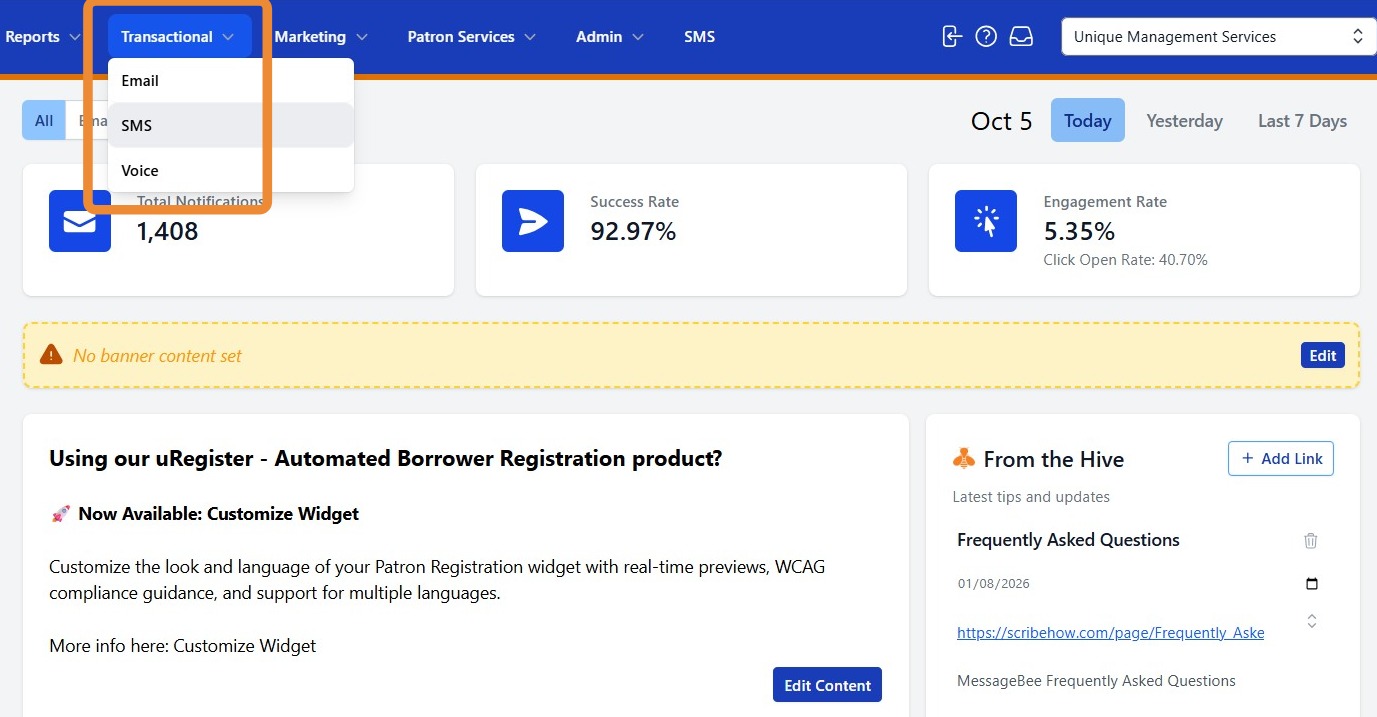
1. To access your transactional SMS templates, navigate to Transactional and select SMS.
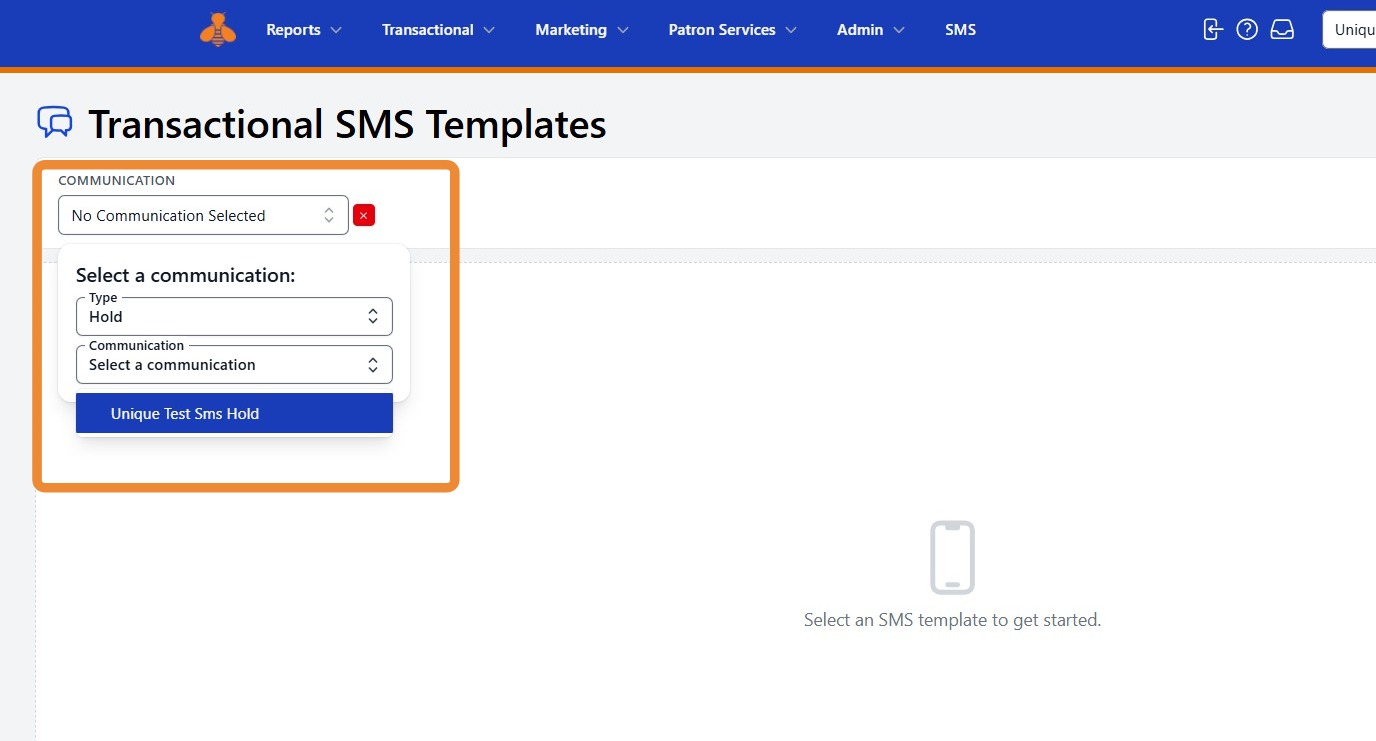
2. Select No Communication Selected to open the drop-down menu and choose the template you would like to review or test.
First, select a Type of notification (Hold, Overdue, etc.). Then, select the specific Communication (Hold pickup, hold reminder, etc.).
3. Once you make your selection, a preview of the SMS message will appear.
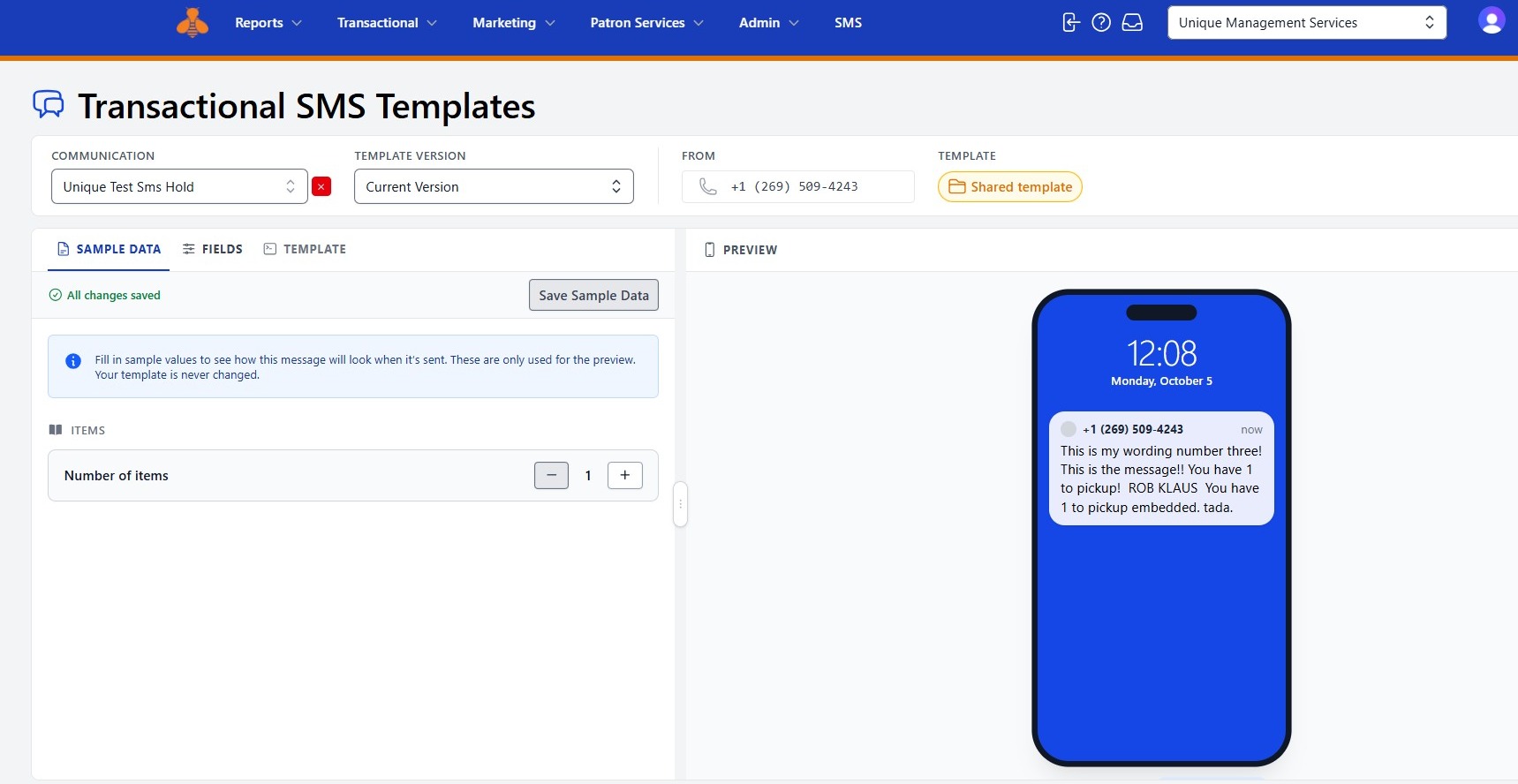
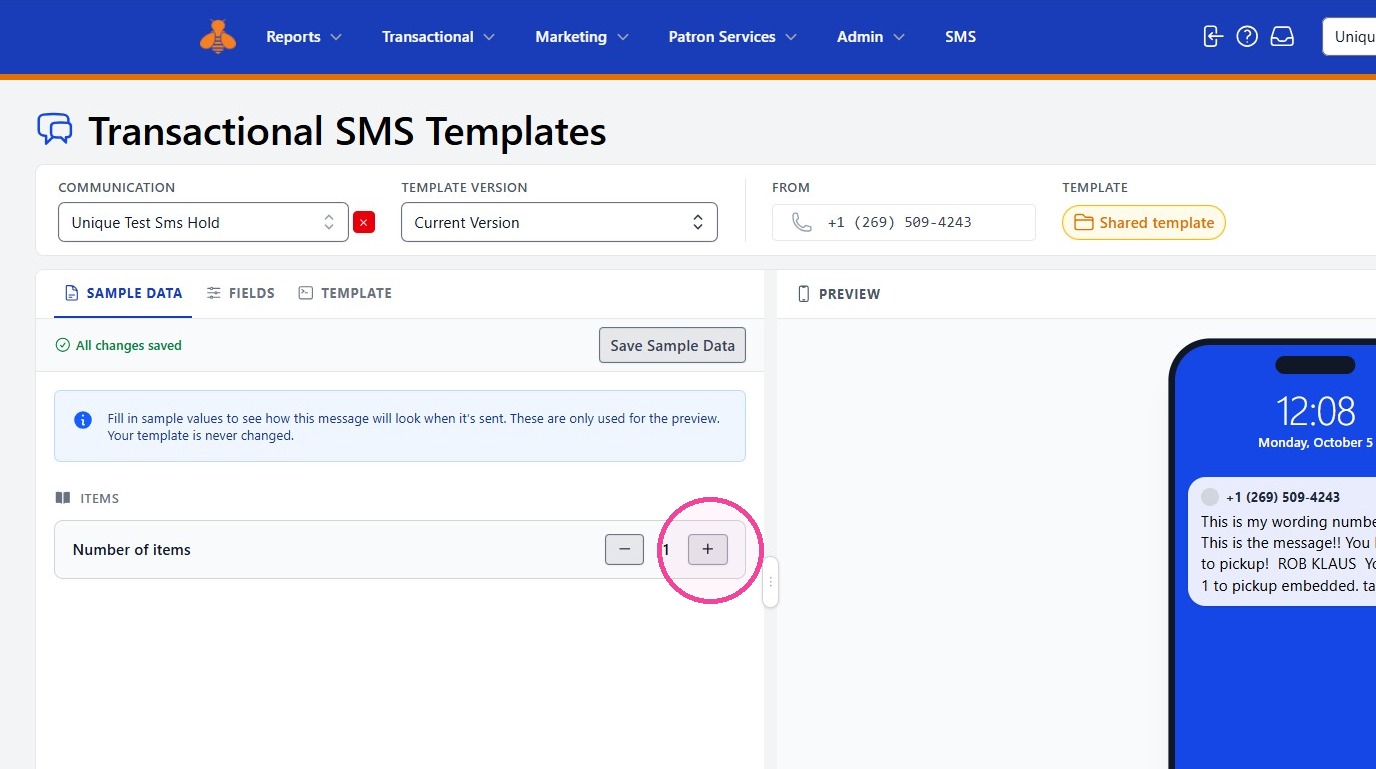
4. If desired, edit the SAMPLE DATA to see how different patron or item information will appear in the message preview and test SMS.
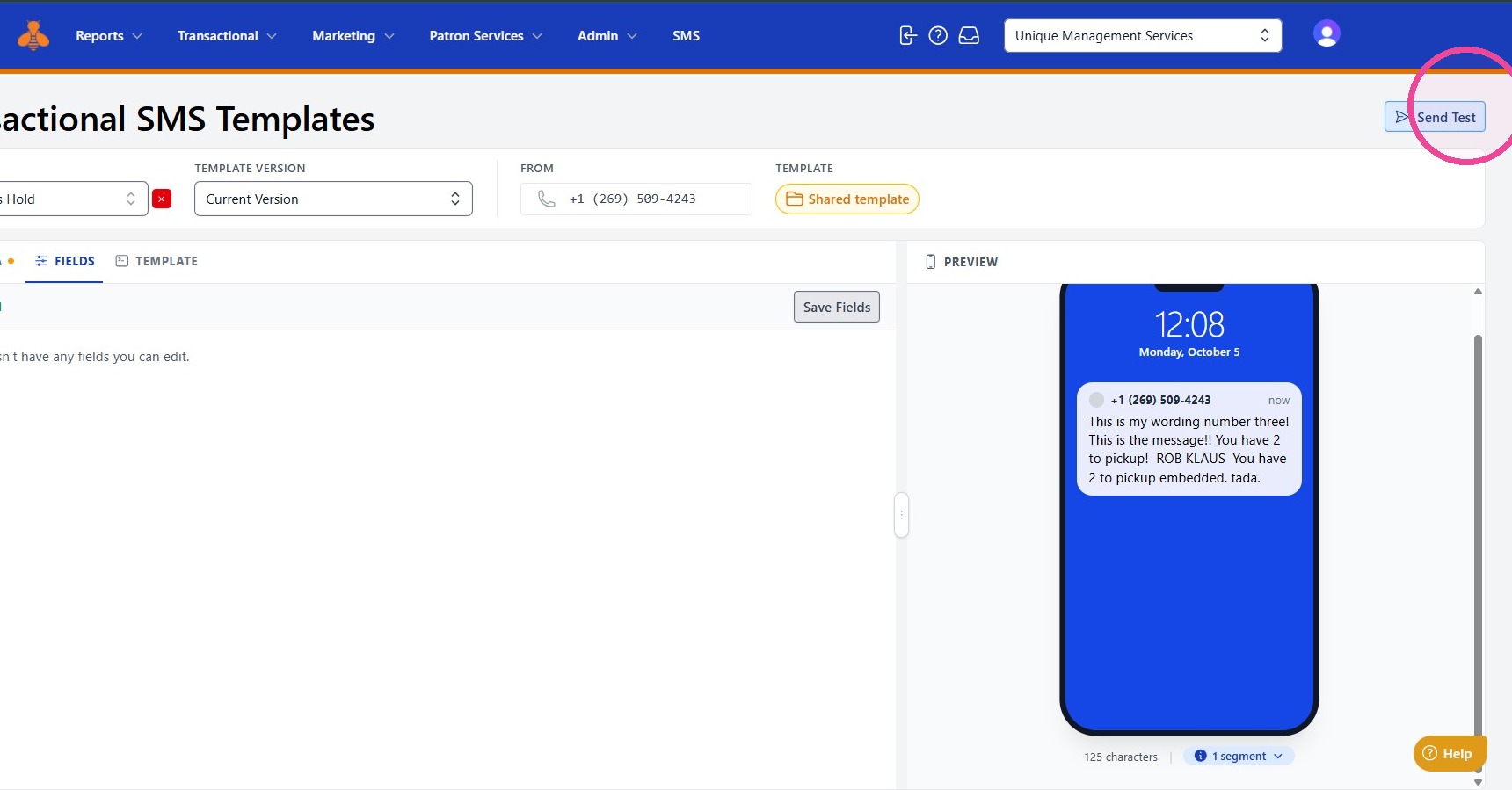
5. When you are ready to test your template, select Send Test.
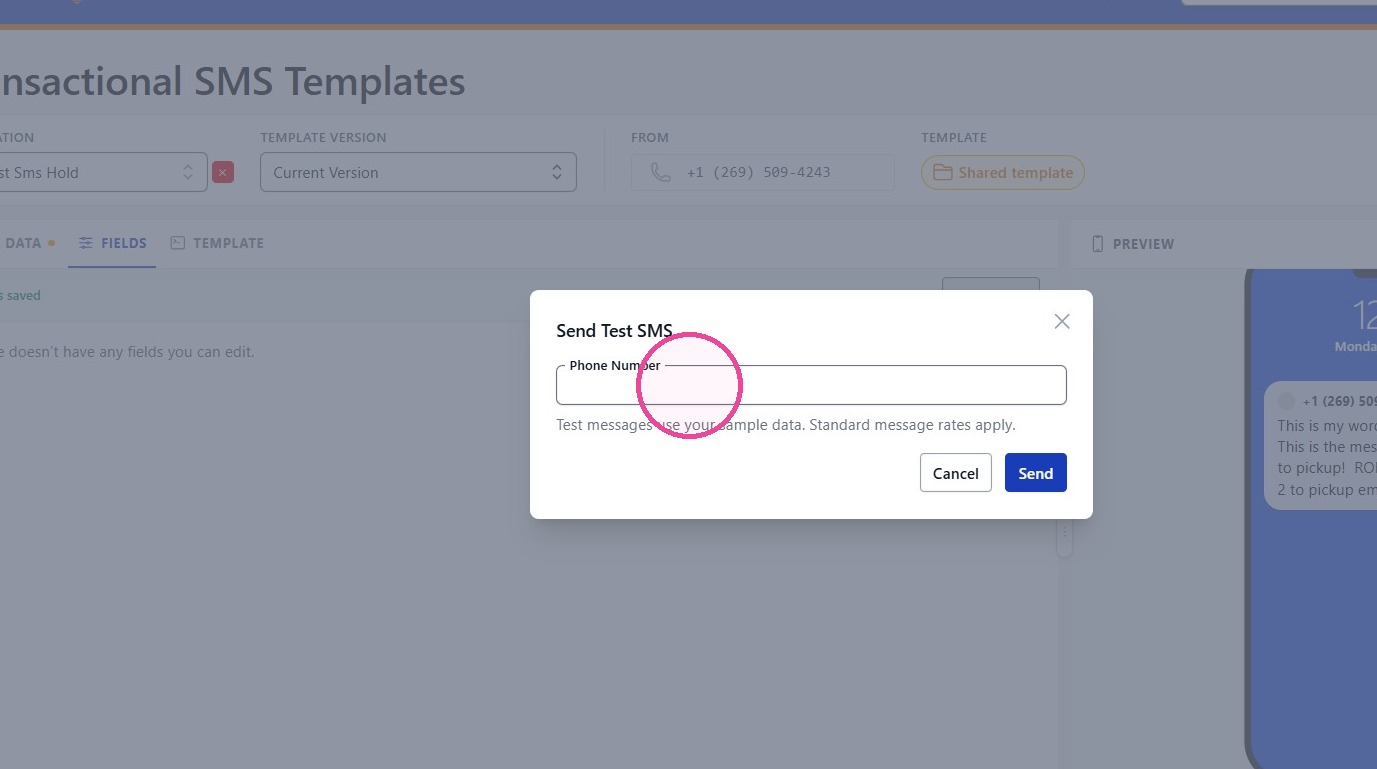
6. Enter the phone number where you would like the test message delivered, then select Send.
Your test SMS should arrive shortly. Review the message to confirm that the content and formatting appear as expected.
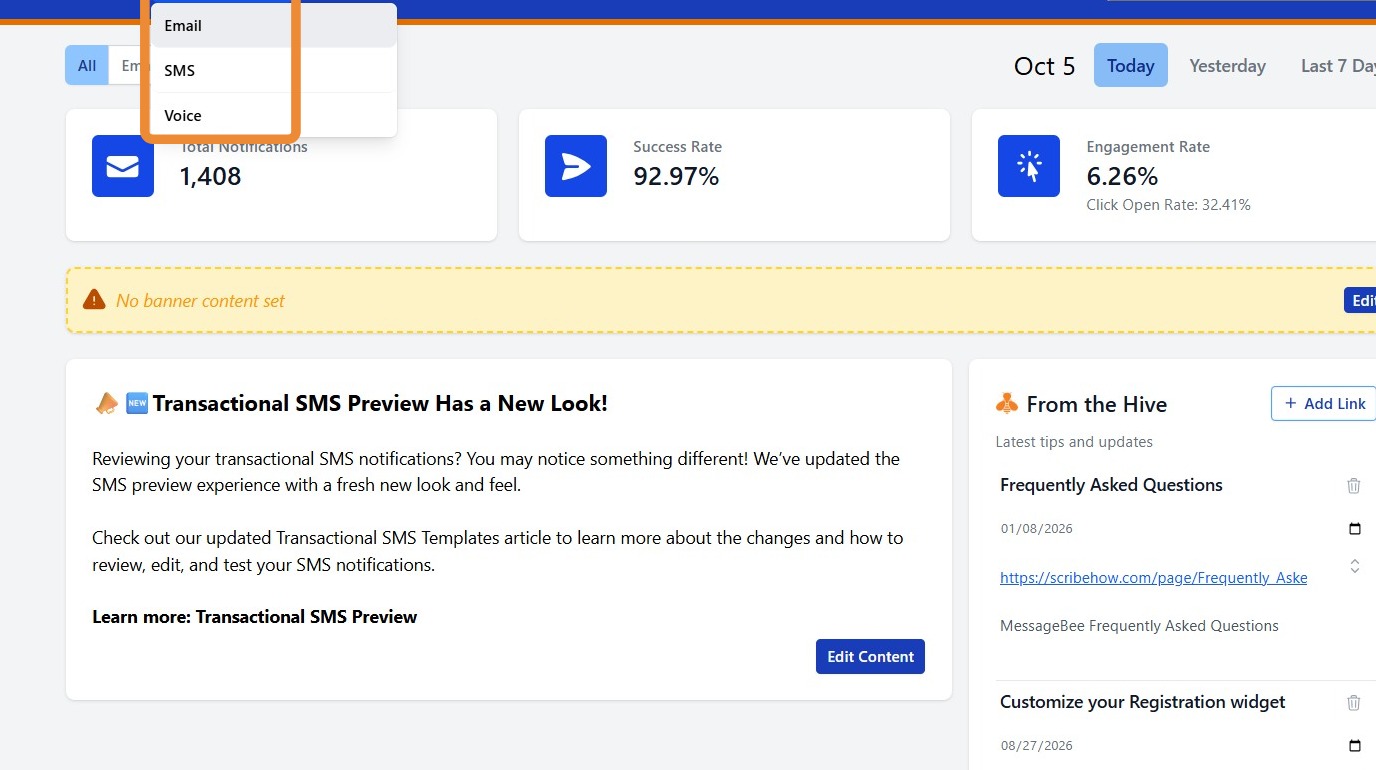
7. To access your transactional emails, click on Transactional and select Email.
8. Select the Type of notification and the specific Communication you would like to review or test.
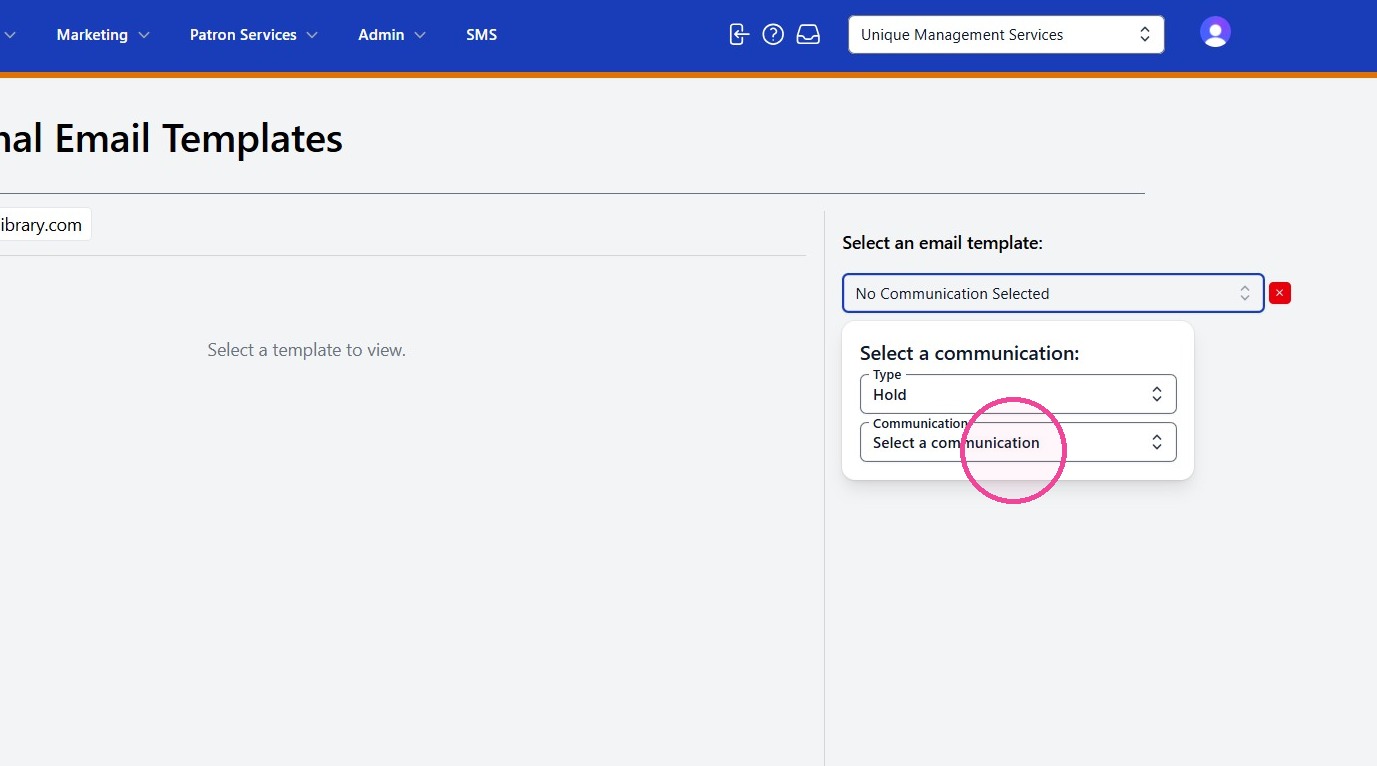
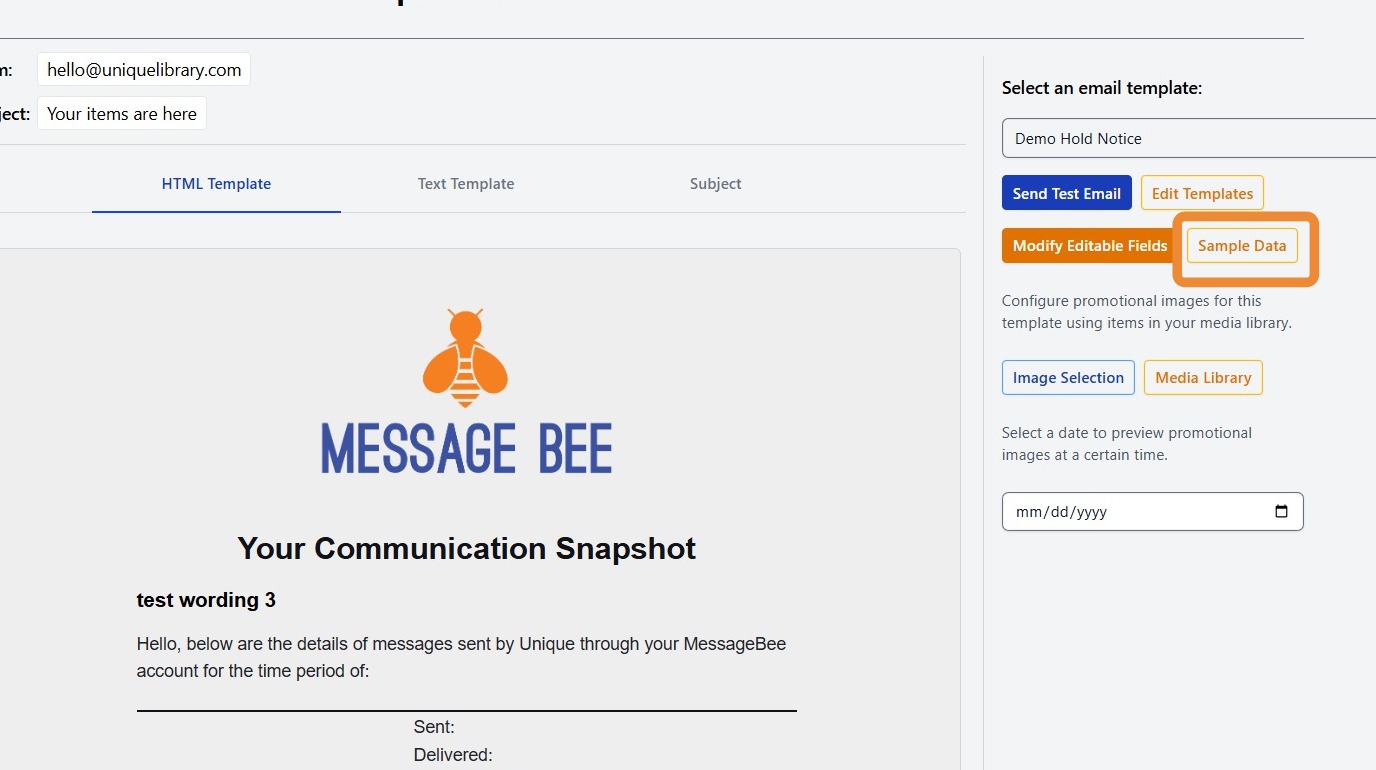
9. To view the sample information used in the email preview, select Sample Data.
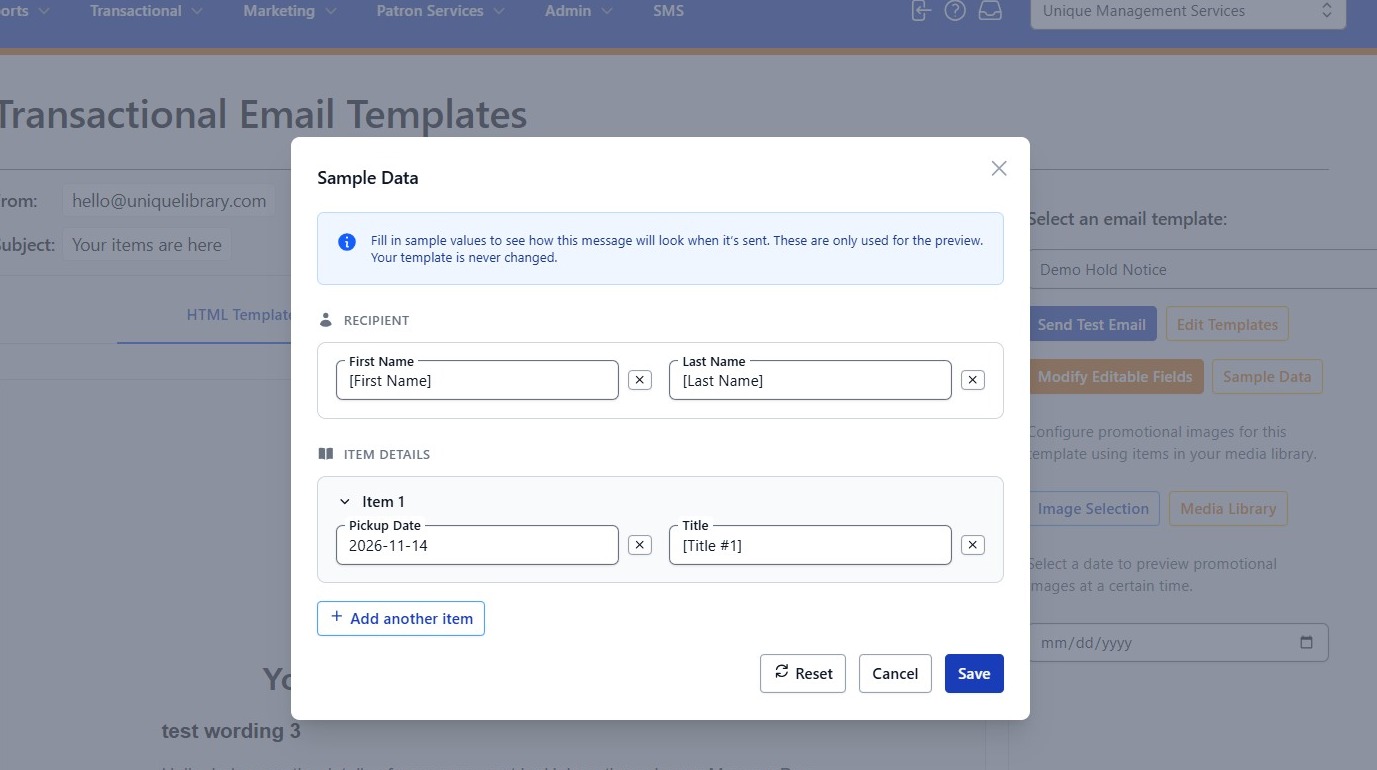
10. Update your sample data an click save to apply your changes. You will now be able to view the template incoporated with the Sample Data.
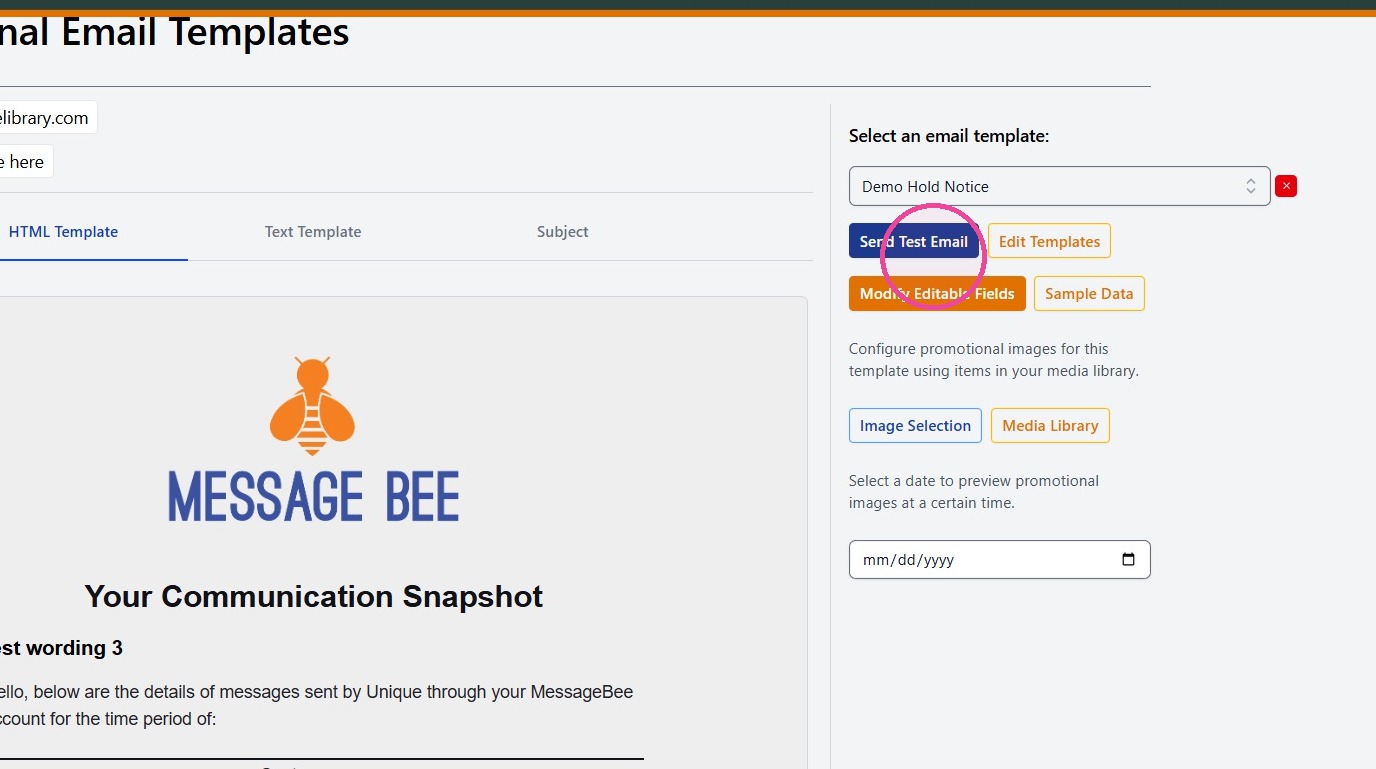
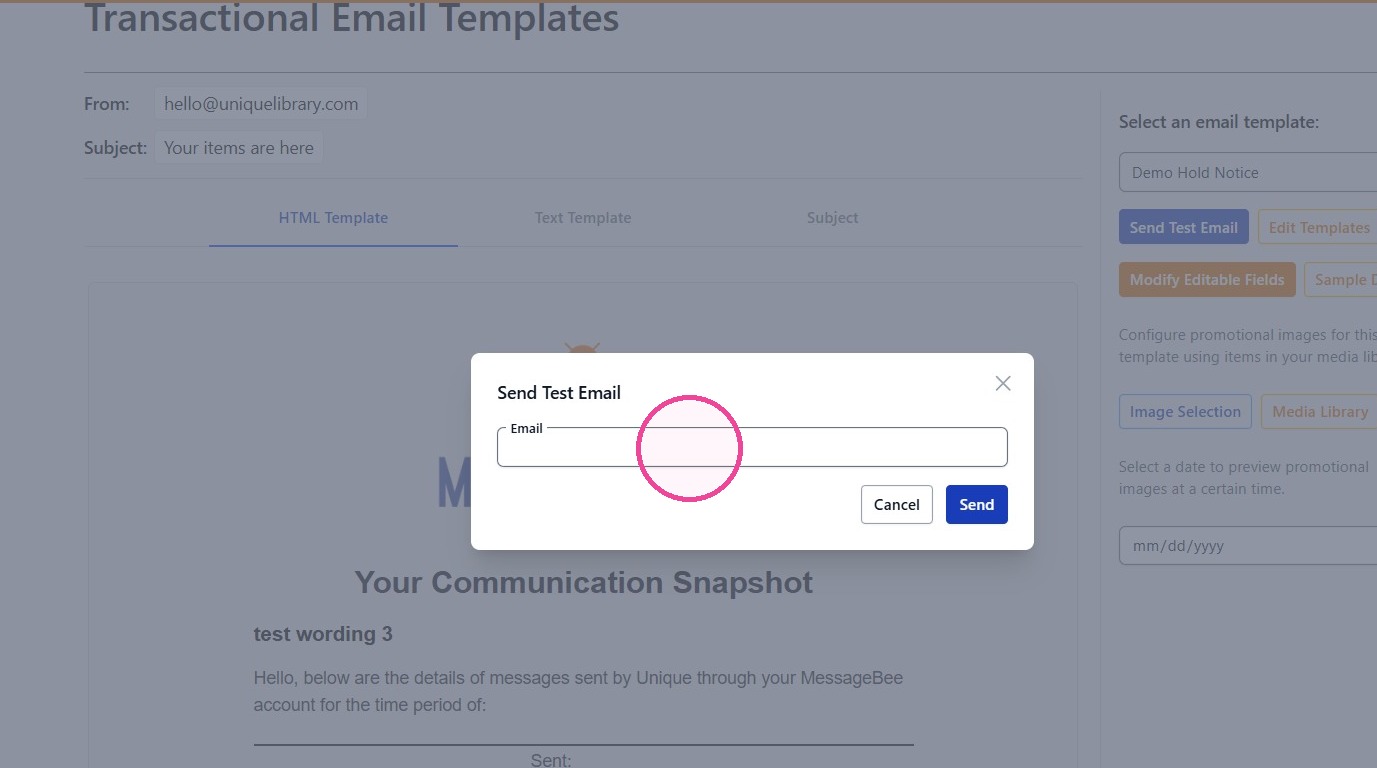
11. When you are ready to test you template, select Send Test Email.
12. Enter the email where you would like the test message delivered, then select Send.
Your test email should arrive shortly. Review the message to confirm that the content and formatting appear as expected.
Voice
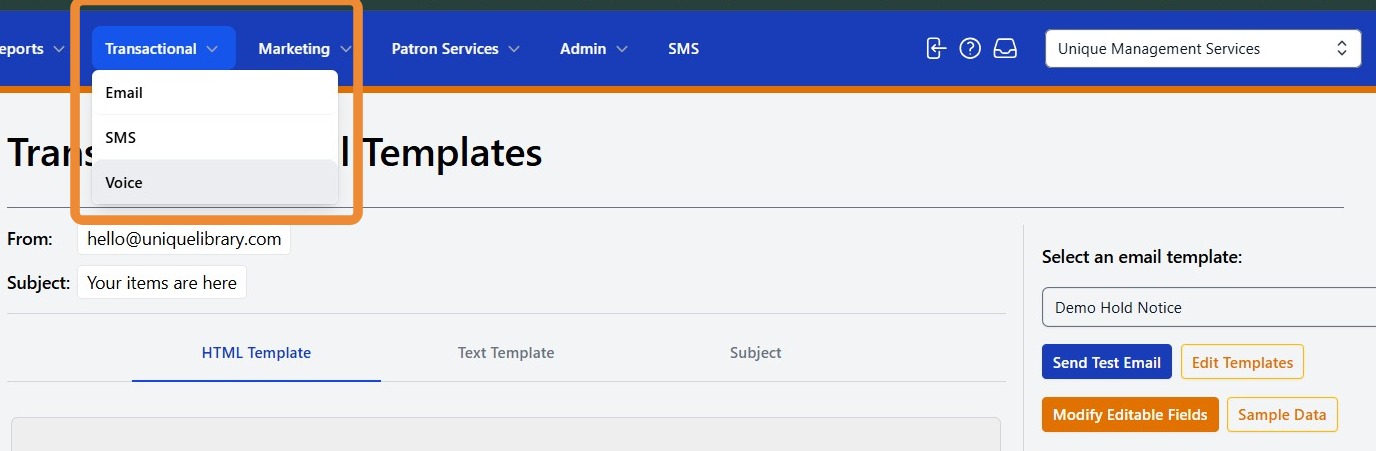
13. To access your transactional voice templates, navigate to Transactional and select Voice.
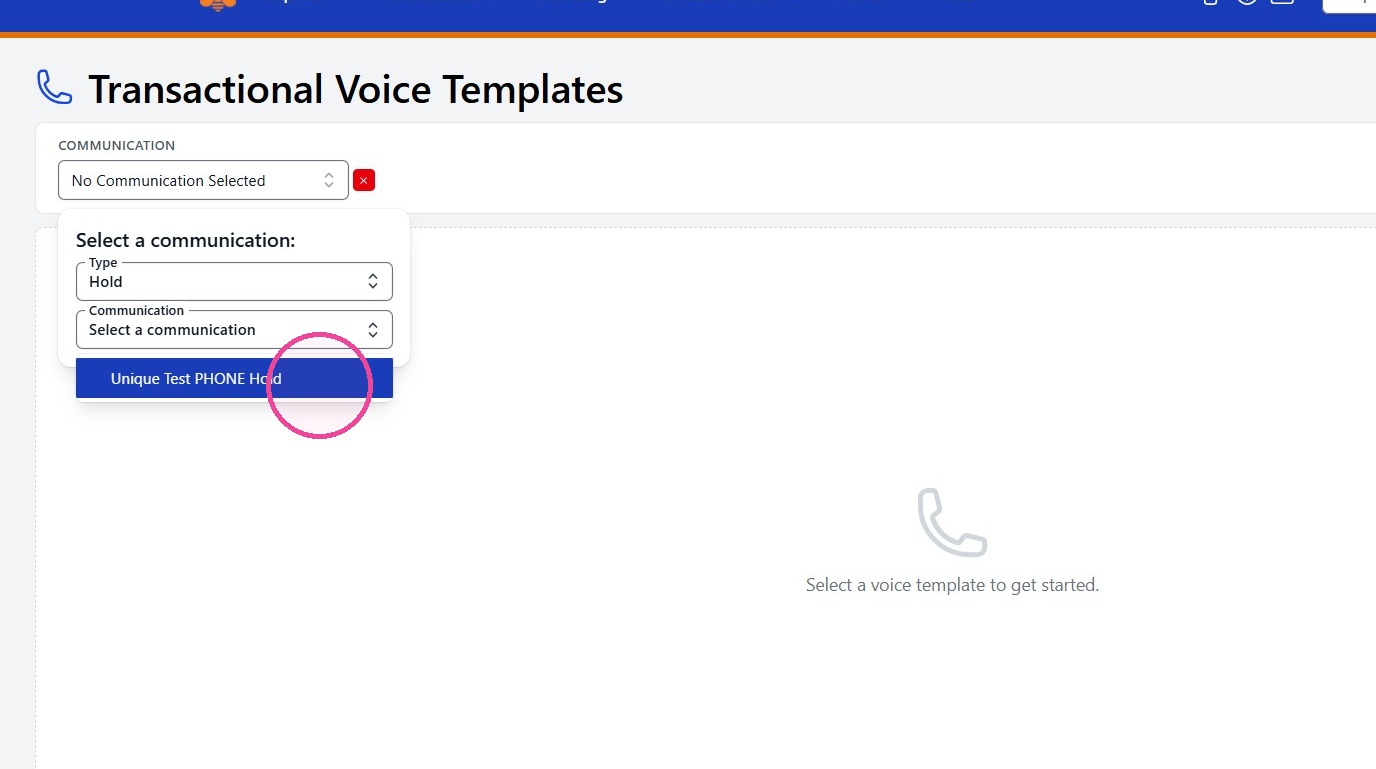
14. Select the Type of notification and the specific Communication you would like to review or test
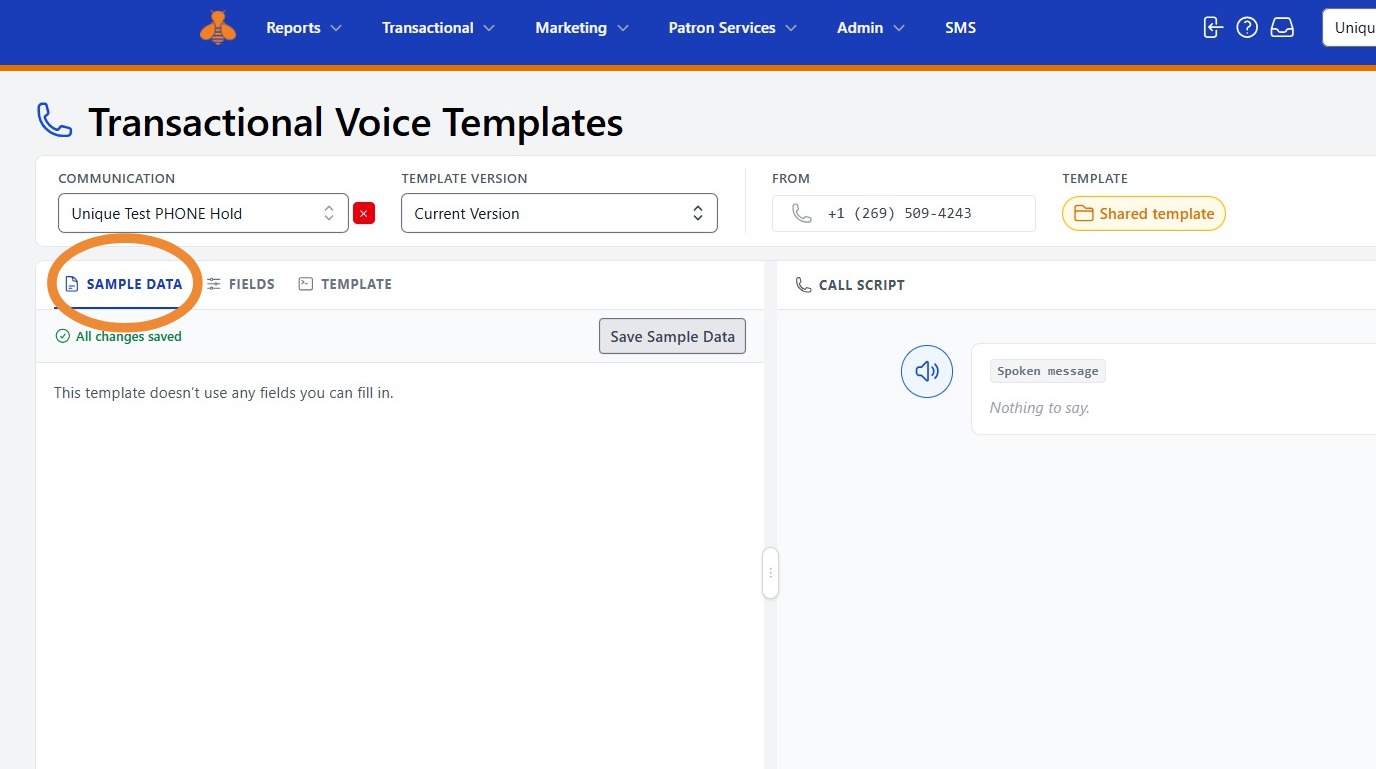
15. You can edit the voice notification sample data by clicking Sample Data.
16. When you are ready to test your voice notification, select Send Test Call.
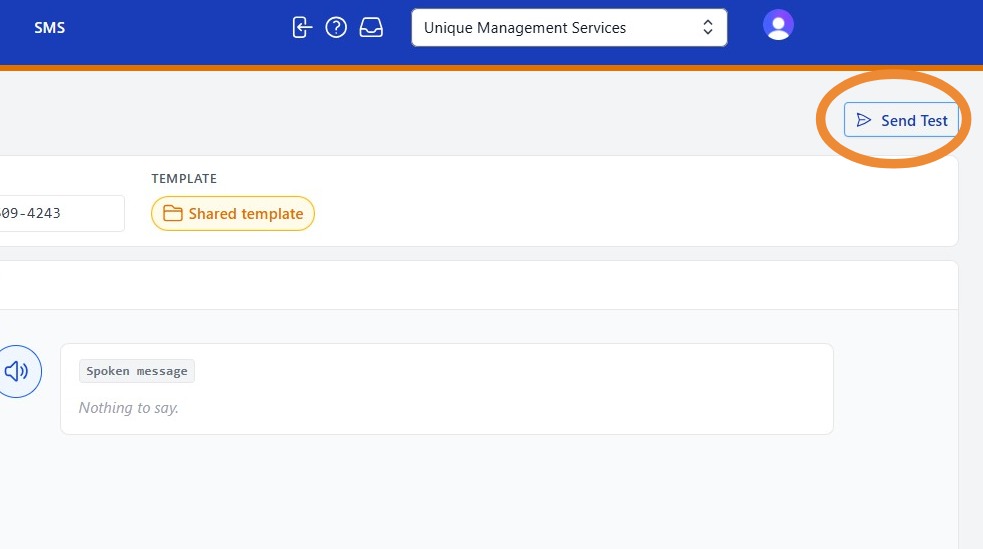
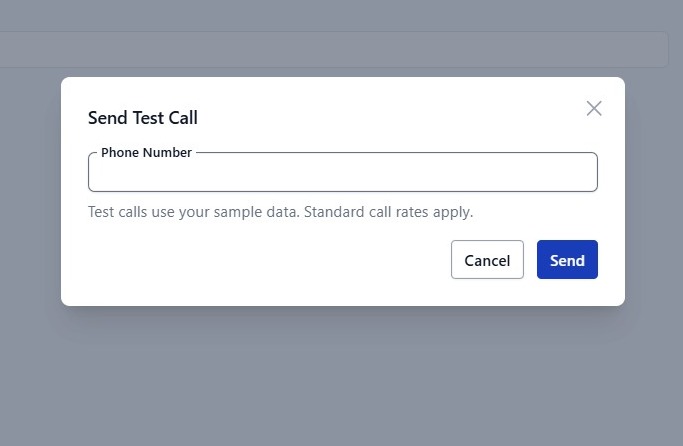
17. Enter the phone number where you would like the test message delivered, then select Send.
Your test voice notice should arrive shortly. Listen to the notification to confirm that the content sounds as expected.