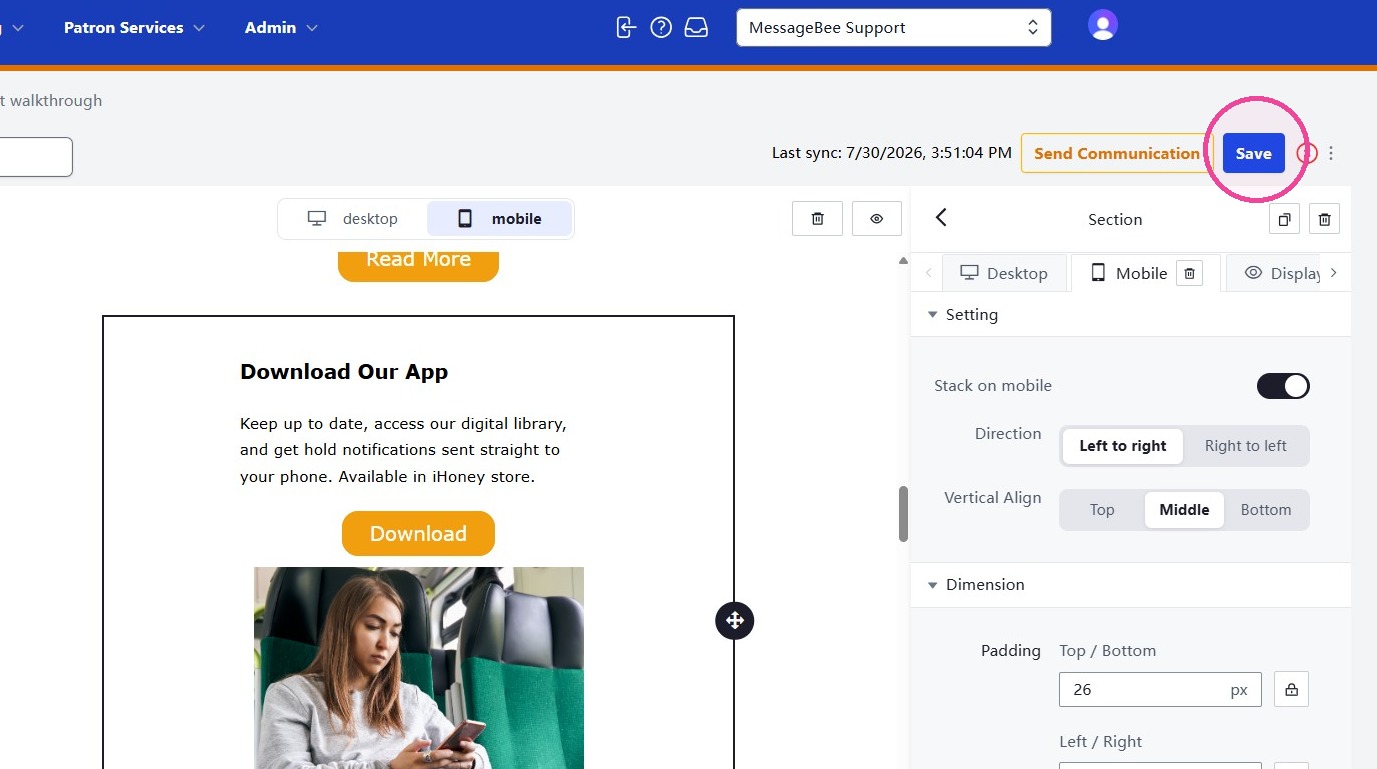
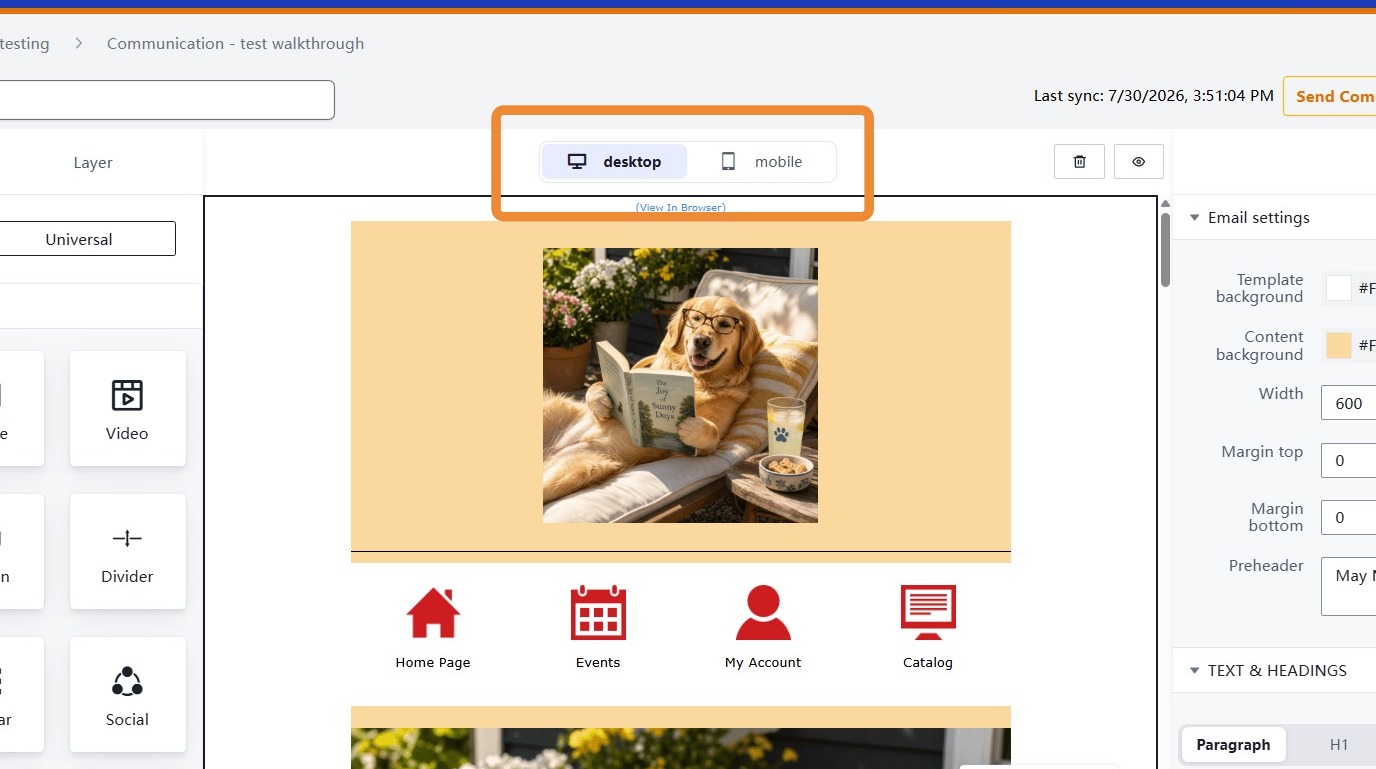
1. To preview and edit how a message will render on a mobile device, select Mobile in the editor.
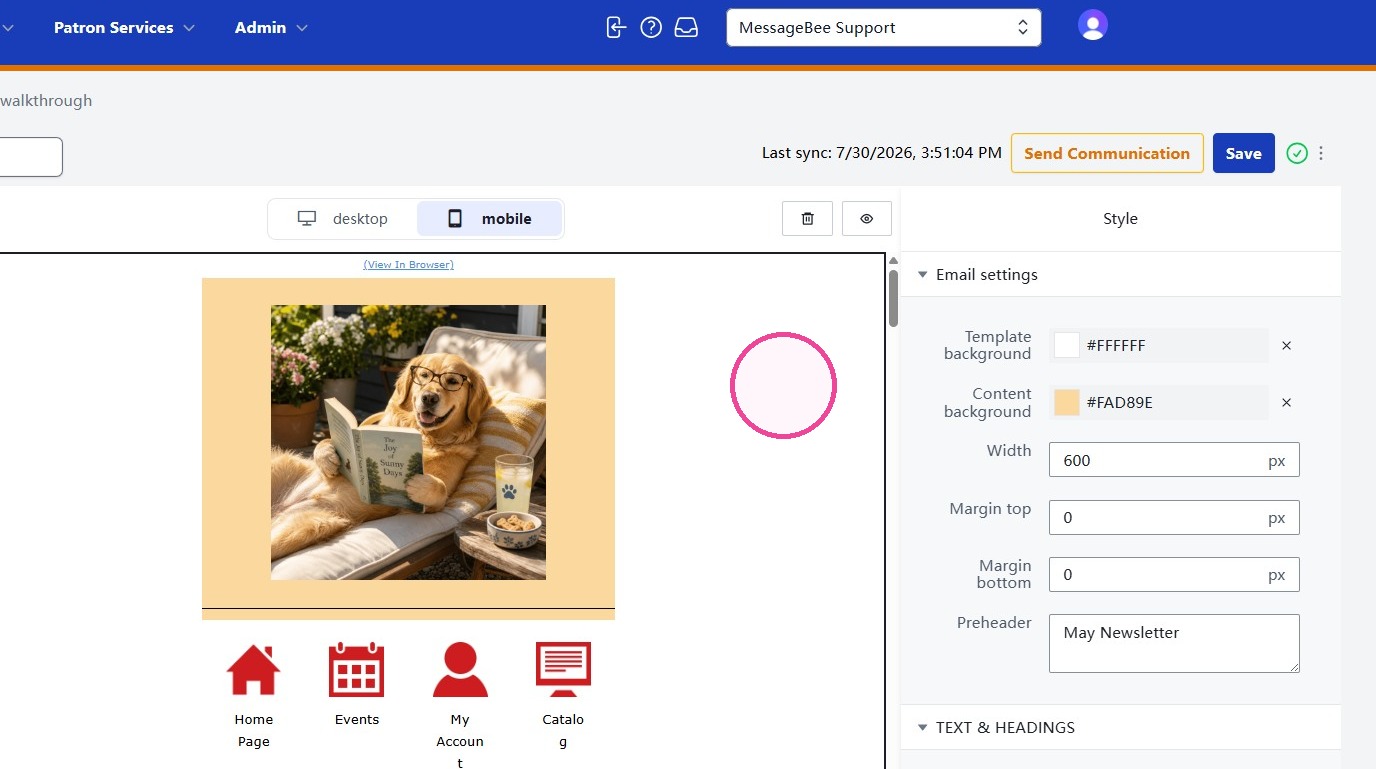
2. In the Mobile editor, all content edited such as template colors, text and headers, links and buttons will impact only the mobile view.
The available settings appear in the right pane.
3. When the Mobile layout edits are complete, select Save.