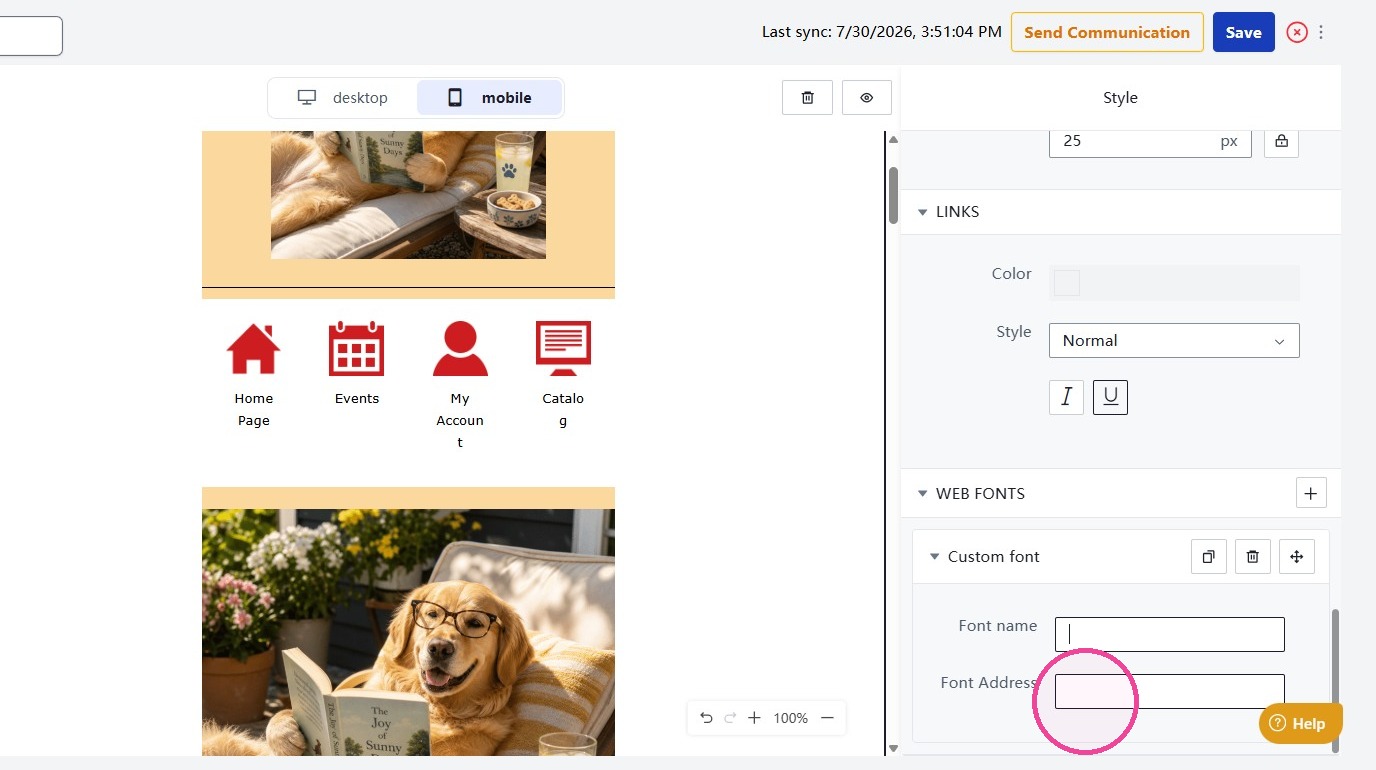
Learn how to manage web fonts and colors across your messages, including font families, fallback stacks, headers, and paragraphs. You can also add custom web fonts using a font URL and name to maintain consistent branding and typography.
1. To update your fonts across your communication, select the template and use the editor panel on the right.
From here, you can manage font stacks and adjust font colors for headers and paragraph text.
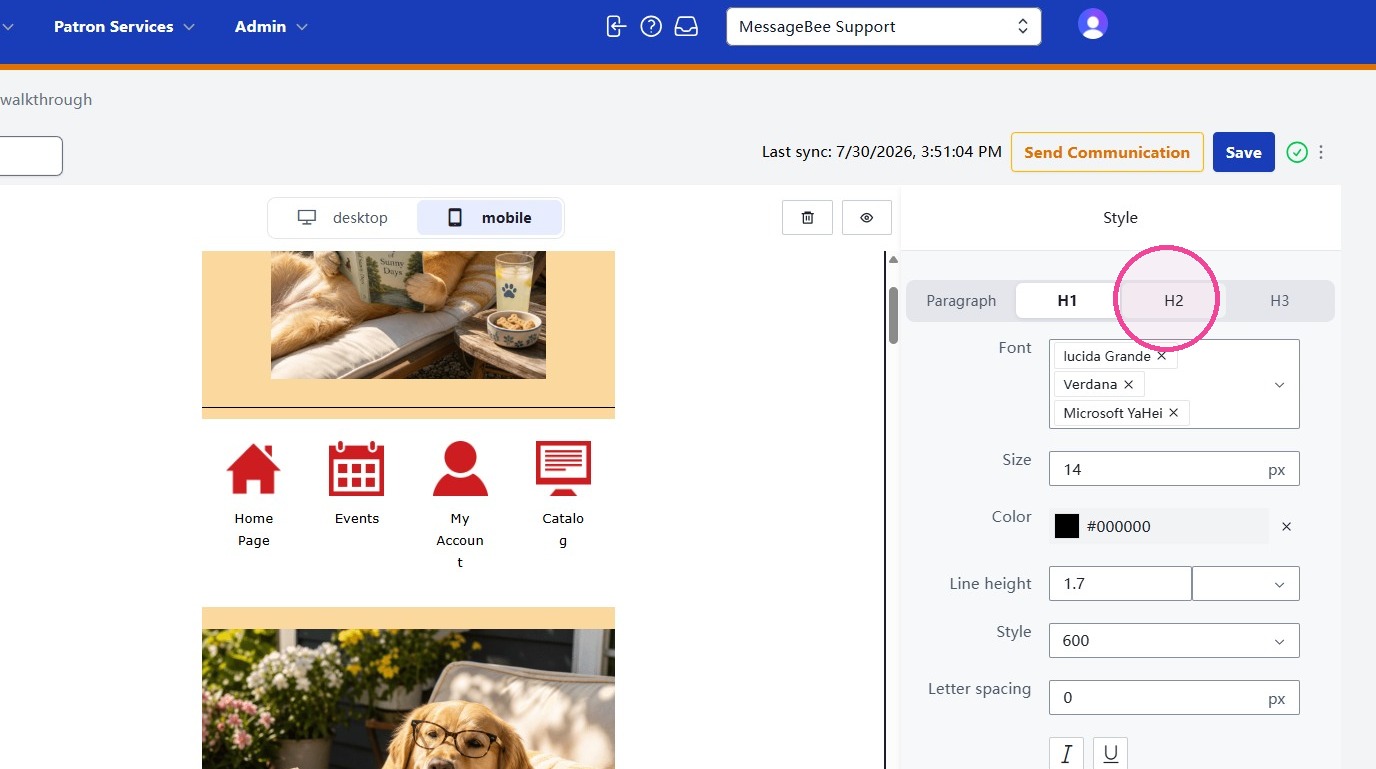
2. To build a font stack, choose a font from the drop-down menu and add it to the list. Select "x" next to any font you want to remove.
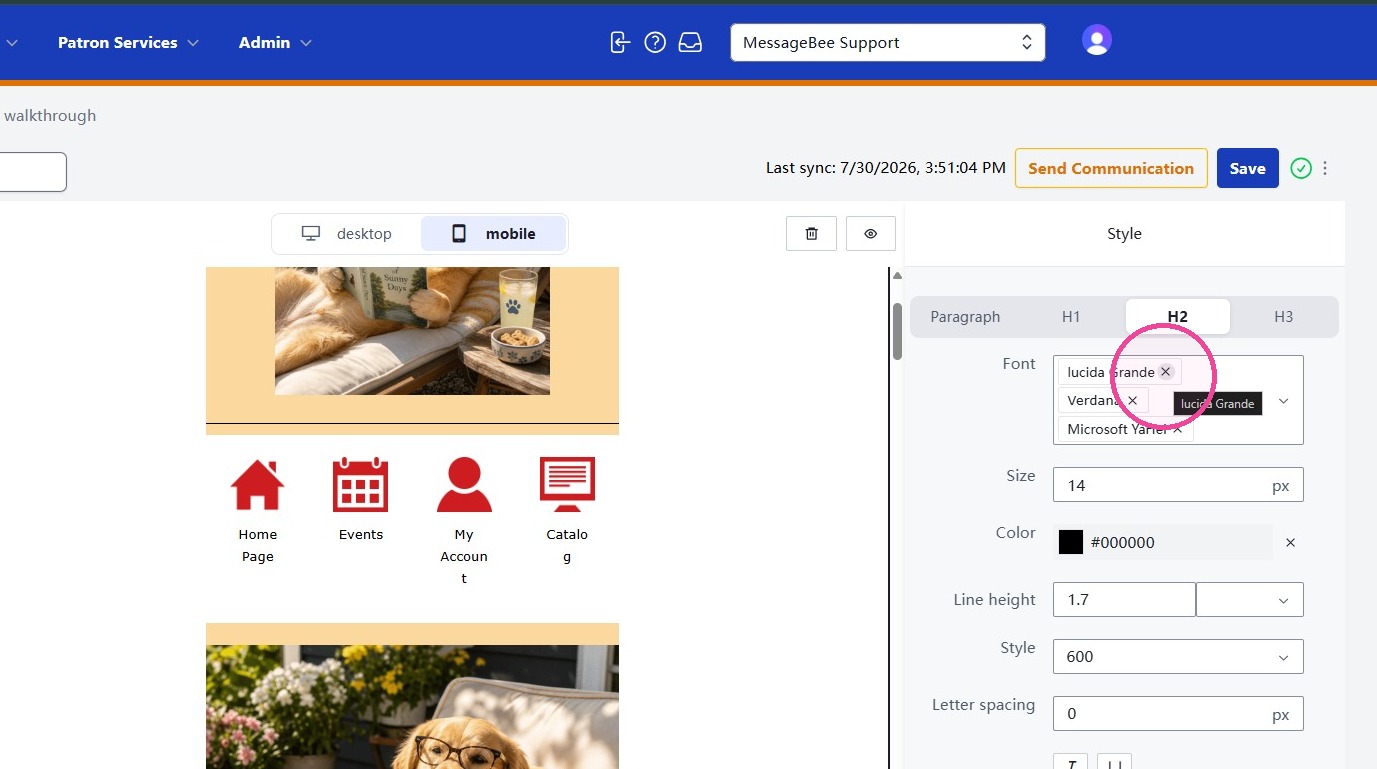
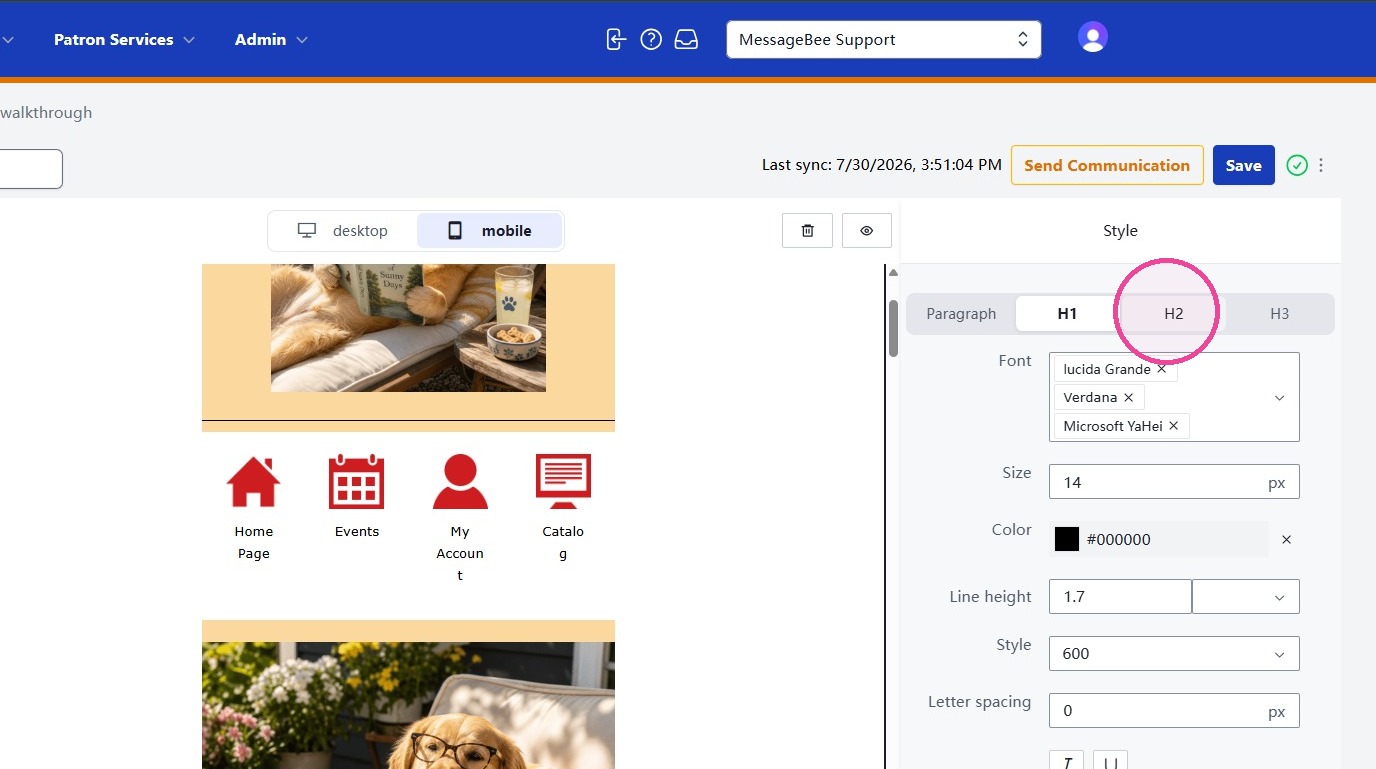
3. Repeat this process for each header style you want to update.
4. To add a custom font in MessageBee, select Web Fonts.
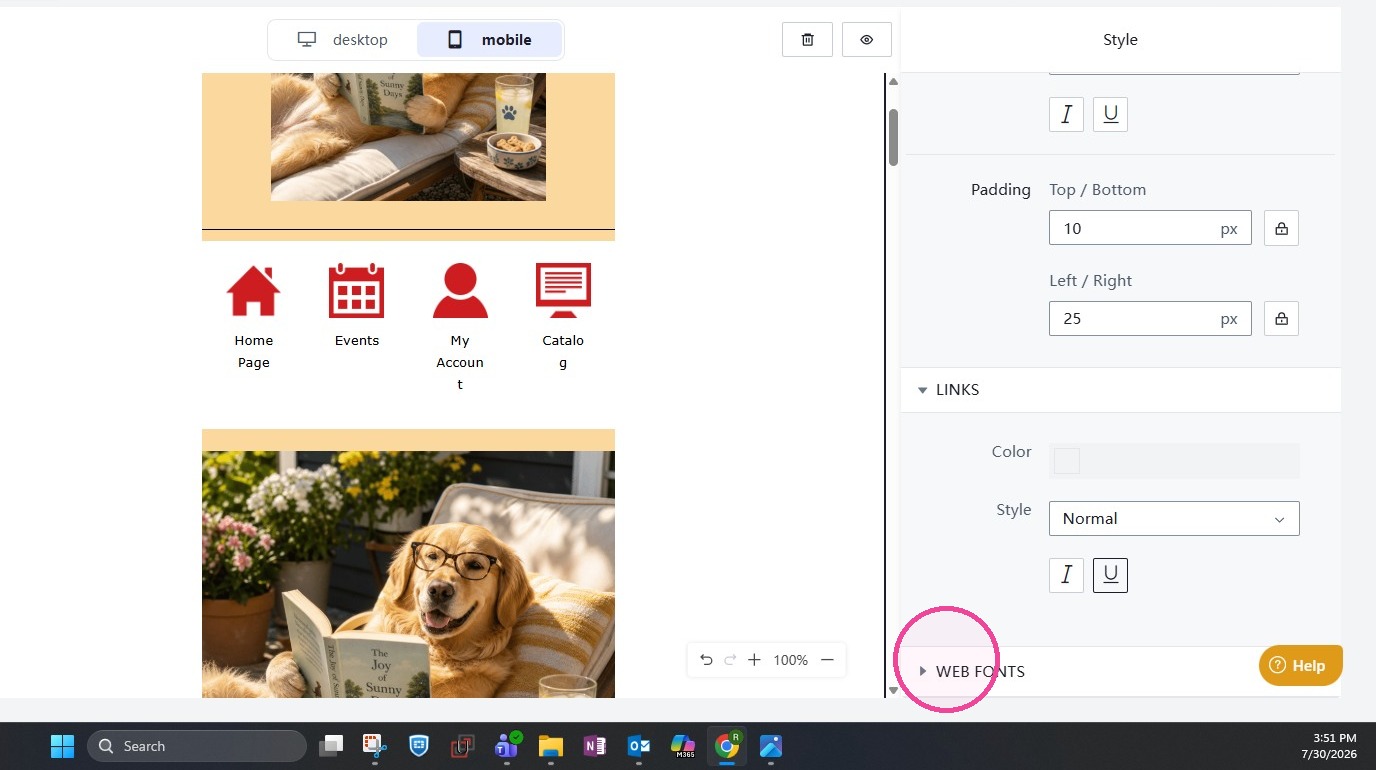
5. Enter the custom font address and name and select Save.